Your installer, our technician
We introduce ourselves as your team and leave the restaurant with your support details.
Field services · SkyTab
SkyTab arrives with a remote setup call booked. What it still needs is someone in the building: the router placed and configured the way Shift4 asks, terminals and printers cabled, and handhelds tested from the patio to the kitchen.
Network setup
Shift4 publishes its network rules for SkyTab sites. A setup call goes quickly when these are done before it starts.
| Shift4 rule | What we do |
|---|---|
| Only SkyTab equipment on the SkyTab router | Separate the POS from the guest Wi-Fi, music and cameras |
| Ports 7135 and 7136 open on the local network | Check them end to end from each device to the on-site POS |
| Wi-Fi router or access point at 192.168.213.2, with its DHCP off | Configure the access point so it joins Shift4’s subnet |
| Handhelds: steady 5 Mbps upload and download | Test the line and the Wi-Fi at every table and the patio |
| Wi-Fi on 2.4 GHz or 5 GHz, WPA3 not recommended for PAX devices | Set the security mode the handhelds support |
Sources: Shift4’s SkyTab installation guide and its network requirements article, read in November 2026. Follow the current version of Shift4’s site readiness guide.
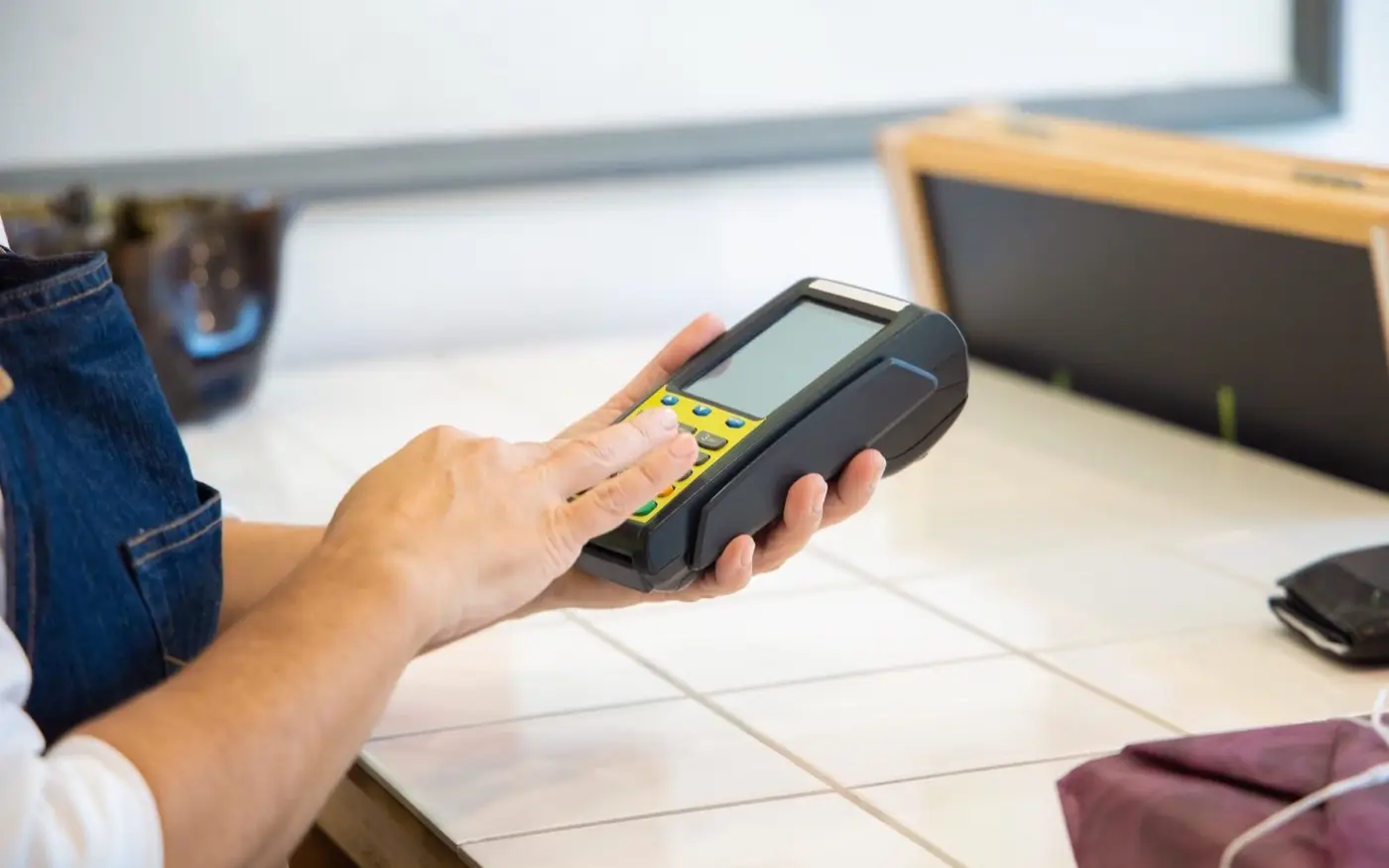
What we install
Each device is checked where staff will actually use it, not only at the router.
For SkyTab partners
Shift4 sells SkyTab through partners and ISOs, and many of them sign restaurants faster than they can visit them.
We introduce ourselves as your team and leave the restaurant with your support details.
Hardware placed and the network ready before Shift4’s remote installer starts.
Photos, serials and test results in your inbox the same day, ready for your records.
Common questions
Shift4’s installation guide describes a SkyTab installer who contacts the merchant at an agreed time to complete the software setup remotely, and it mentions an on-site option. Merchants and partners call us when they want a local technician to place, cable and test the hardware on site.
Shift4’s published guides say SkyTab equipment should be the only equipment on the SkyTab router, that ports 7135 and 7136 must be open on the local network for the devices to reach the on-site POS, and that the Wi-Fi router or access point is set to 192.168.213.2 with its own DHCP turned off, so it shares Shift4’s subnet.
Shift4’s network requirements for its PAX-based handhelds ask for a steady connection with 5 Mbps upload and 5 Mbps download, Wi-Fi on 2.4 GHz or 5 GHz, and they advise against WPA3 on those devices.
Yes. SkyTab is sold largely through partners and independent sales organizations. We install under the partner’s name, follow their checklist and send the close-out to them.
No. Menu and account setup belong to Shift4 onboarding and the partner. We handle the hardware, the cabling and the network so the remote setup has everything it needs.
Related services
Station, Mini, Flex and kitchen displays
Cabling, mounts and KDS before go-live
Register, Terminal, Kiosk and KDS
PIN pad swaps for franchise lanes
Workstations, CAPS and network for hotels and venues
Hub, card readers and printers for retail
Terminals and store server for restaurant chains
A skilled technician for your ticket
Drops, racks and Wi-Fi for the counter
NeuralPath Dynamics is an independent installer. We are not affiliated with, endorsed by or an authorized partner of the brands named on this page. SkyTab and Shift4 are trademarks of Shift4 Payments, LLC.
Next step
The restaurant, the devices and the date of the setup call. We confirm a visit before it and a fixed price.