Under your name
We arrive as your installers, follow your checklist and leave your support details with the restaurant.
Field services · NCR Aloha
Aloha runs more multi-unit restaurants than almost any other system, and those chains refresh hardware in waves. We are the crew that installs terminals and servers store by store, after close, for the chain or for the reseller who sold it.
Know the version
Before we schedule a visit we ask which Aloha the store runs, because the server and the network look different in each.
| On-premises Aloha | Aloha Cloud | |
|---|---|---|
| Store server | A back-of-house file server | A Mac mini store server, or a POS terminal as the primary device |
| Terminals | Order entry terminals on the local network | Registers that find the server once Server Mode is on |
| Install focus | Server placement, power protection and the local network | Network and internet path to the cloud, then server setup |
| Who configures | NCR Voyix or the Aloha reseller | NCR Voyix or the Aloha reseller |
Based on NCR Voyix’s Aloha documentation, read in November 2026, including its network requirements page. Details vary by release; follow the reseller’s plan.
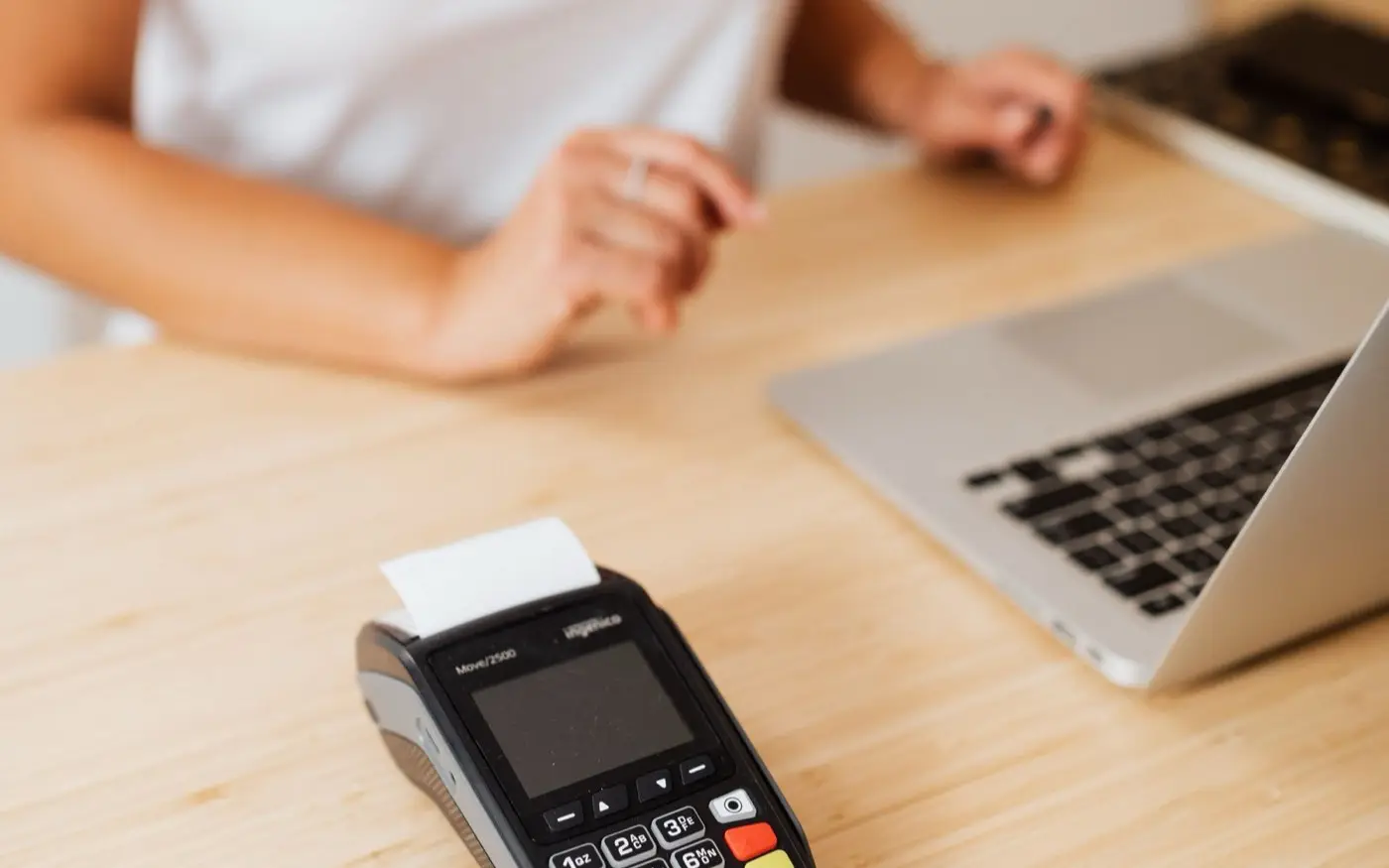
What we install
One visit covers the front of house, the kitchen and the office.
For Aloha resellers
Aloha is sold and supported through a network of resellers. Few keep enough technicians to cover every opening and refresh themselves.
We arrive as your installers, follow your checklist and leave your support details with the restaurant.
Swaps happen overnight, so the restaurant serves on the old system until the last check and on the new one at open.
Photos, serials and test results sent back the same day. Onboarding works like our field service partnerships.
Common questions
On-premises Aloha runs on a back-of-house file server in the restaurant, with order entry terminals on the local network. NCR Voyix’s Aloha Cloud documentation describes a store server that can be a Mac mini, or a POS terminal acting as the primary device when there is no separate server. Which one a store runs changes the install, so we confirm it first.
NCR Voyix points to a document called Aloha Cloud Point-of-Sale, Electrical, Network, and Internet Requirements, reference HKS1645, which covers wiring, network equipment, wireless settings and internet. We build to it, or to the reseller’s own standard where that is stricter.
No. Menus, the back office and Aloha configuration stay with NCR Voyix or your Aloha reseller. We install terminals, the store server, printers and kitchen screens, cable and network the store, and bring each device up for the reseller to finish.
Yes. Aloha is common in multi-unit chains, so refreshes usually come as programs. We pilot one store, fix the checklist, then work through the rest after close with a report each morning.
Yes. Retired terminals and servers are logged by serial, wiped or pulled for destruction, and returned or recycled. See POS deinstallation.
Related services
Station, Mini, Flex and kitchen displays
Cabling, mounts and KDS before go-live
Register, Terminal, Kiosk and KDS
PIN pad swaps for franchise lanes
Workstations, CAPS and network for hotels and venues
Hub, card readers and printers for retail
On-site installs for Shift4 merchants and partners
A skilled technician for your ticket
Drops, racks and Wi-Fi for the counter
NeuralPath Dynamics is an independent installer. We are not affiliated with, endorsed by or an authorized partner of the brands named on this page. NCR, NCR Voyix and Aloha are trademarks of NCR Voyix Corporation.
Next step
The number of stores, the hardware per store and which Aloha they run. You get a store-by-store calendar and one price for each site.